
Getting Started in Software Development: Mindset and Habits That Matter
When I started out in software development, most programmers seemed to share one trait: curiosity. I clearly remember asking myself, “How can I build my own website?” Once that seed of curiosity was planted, I knew I had to try. I tried and failed many times before finding the answers I needed. Back then, every software engineer had to hunt for answers in the strangest corners of the web. But there we were—searching, experimenting, failing, and trying again. Twenty years later, curiosity still matters more than any framework.
As a teacher, I meet students who are still figuring out what they want from a career. Some first hear about software development through stories of remote work or good pay. That can be a reason to explore the field, but it tells you little about what you’ll spend your time doing.
Try building something small and see how you feel when you get stuck, figure things out, and make it work. If the first attempt feels frustrating, give yourself time. Working through an unfamiliar problem is a skill you can practice.
What Does a Programmer Actually Do All Day?
Coffee helps. So does a good bug report.
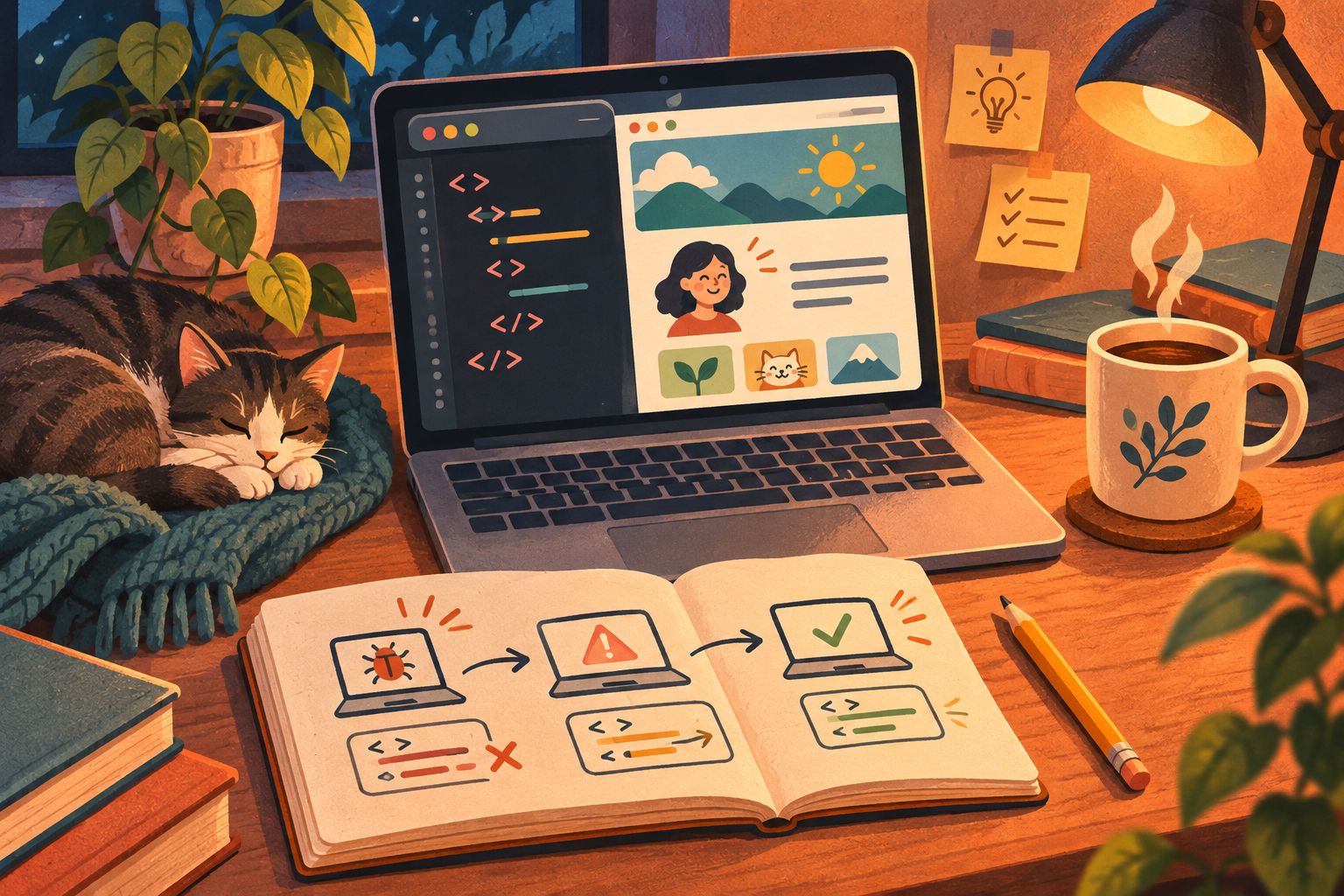
Suppose a user reports that the Save button sometimes does nothing. You might ask what they were trying to save, follow the same steps, and read the code behind the button. Maybe saving fails when a required field is empty, but the page never shows an error. After making a change, you’d check that saving works with the field filled in and that the page explains what’s missing when it’s empty. A teammate might review the fix before it goes live.
Depending on the day, you might also plan a feature, document a decision, or check how a release is behaving. Sometimes you can investigate at your own pace. Other times, people are waiting for a fix. In either case, knowing what to change and why is as important as writing the code.
What About AI?
Of course we have AI. We use it a lot. But AI generates responses based on patterns it has learned, so even a convincing answer isn’t necessarily correct.
This post isn’t about AI in software development, but one point matters here: AI can help us work faster, and we’re still responsible for the results. Use it to fuel your curiosity and broaden your understanding. Use it to write code, too, but always review and understand what it produces. You guide the solution; AI is there to help. Experience doing things manually can help you make better use of these tools.
I used AI to help plan, write, and review this post, too. I asked for suggestions, improvements to my English, and feedback on the concepts, but the ideas and knowledge behind it are my own.
Skills That Make a Good Software Engineer
Knowledge is certainly valuable, but you don’t need to know everything about coding or a specific technology. The best programmers I know don’t know everything, but they know how to persevere and search tirelessly for answers. They also know when to ask for another perspective.
Here are some traits that I believe are valuable to have. If they don’t come naturally to you, you can develop them through self-awareness and practice.
- Curiosity: Ask why something works, not just how to make it work. Investigate unexpected results.
- Methodical persistence: When stuck, break the problem down, test one explanation, and ask for help when needed. Persistence shouldn’t mean repeating the same attempt endlessly.
- Intellectual humility: Be comfortable saying “I don’t understand yet,” questioning assumptions, and accepting feedback.
- Initiative: Try a small experiment or consult documentation before waiting for someone to provide every step.
- Consistency: Practice regularly with manageable goals. Finishing a small project can teach more than repeatedly starting ambitious ones.
- Critical judgment: Check advice and generated code, whether they come from a tutorial, another developer, or AI.
What About Technical Skills? Don’t They Matter?
Of course they matter. A student once asked me, “What is Ctrl+C and Ctrl+V? How do I use them?” It reminded me that beginners arrive with different experiences. Someone who mainly uses a smartphone may still be getting comfortable with a keyboard and a file system.
You can build these skills alongside your first coding projects. A simple web page gives you a reason to navigate folders, read error messages, and check whether a change worked.
- Basic tool fluency: Get comfortable working with files and folders, running a few terminal commands, and using Git to track changes as your project grows.
- Algorithms and logic: Learn to think through problems without a computer. Use logic and imagination to work out solutions in your head or with pen and paper.
- Reading code and errors: Follow existing logic, inspect error messages, and use logs or a debugger to investigate.
- Breaking problems into smaller steps: Describe the inputs, expected result, and individual tasks before writing code.
- Finding and evaluating information: Read documentation, search effectively, and check whether an answer fits the current context.
- Communicating clearly: Explain what you expected, what happened, and what you already tried.
- Checking your work: Test ordinary cases, edge cases, and failures instead of assuming that running once means working correctly.
Challenge Yourself
Start here. Create an index.html file with a heading and a paragraph about something you like. Open it in your browser, change the heading, and refresh to see what happens. To keep going, serve the page locally, track it with Git, and publish it with GitHub Pages. The challenges below give you a way to practice each step.
You can also pick any challenge that sparks your curiosity and break it into smaller steps.
- Explain how the internet works: Describe what happens when you type a website address into your browser and press Enter. Investigate where DNS, servers, and HTTP fit into the process, then draw a simple diagram and explain it in your own words.
- Explain how a computer works: Find out what the CPU, RAM, storage, and operating system do. Connect those ideas to something familiar: what happens when you open an application or save a file?
- Install another operating system: Start with a virtual machine or a spare computer. Practice formatting its disk and installing an operating system, then create a user, install an application, and explore its settings. Formatting erases data, so back up anything important and check which disk you’re changing before proceeding.
- Get comfortable with the terminal: Create a folder, navigate into it, create and copy files, and search their contents using commands. Use a practice folder so you can experiment without risking important files.
- Configure a local web server: Install and configure a web server to serve a simple HTML page. Find out what a port is, open the page through
localhost, and locate the server’s request and error logs. - Host your own website locally: Expand that page into a small website with navigation, images, and a stylesheet. Serve it through your local web server, check that its links work, and use your browser’s developer tools to investigate a missing file or broken style.
- Track a project with Git: Create a repository for your website and make small commits with clear messages. Create a branch, change something, and merge it back. Practice inspecting the history and undoing a change in this practice project.
- Publish a portfolio with GitHub Pages: Build a simple portfolio that introduces you and shows what you’ve been learning. Publish it with GitHub Pages, check the public URL on your phone, and add a short explanation of one challenge you completed. Small learning projects count, too.
- Automate a repetitive task: Write a small script that renames sample files or summarizes a list of expenses. Define the expected result first, test it on sample data, and check what happens with empty or unexpected input.
- Help someone reproduce your work: Write a README explaining how to run one of your projects. Ask a friend or classmate to follow it, then improve any steps they find confusing.
- Contribute to an open-source project: Choose a project you use or find interesting, read its contribution guidelines, and look for a small task you can help with. You could improve documentation, reproduce a reported bug, or fix a beginner-friendly issue. Follow the project’s process to submit your contribution, explain what you changed, and be open to feedback from maintainers.
For each challenge, keep a short record of what you tried, what went wrong, and how you solved it. If you use AI for help, check its suggestions and try explaining the result without looking at the answer. Being able to repeat the task and explain your choices is a useful way to check your understanding.
Conclusion
We all learn at our own pace and approach problems differently. Give yourself room to be a beginner. Ask questions, make mistakes, and pay attention to what they teach you. Over time, those small lessons become the experience you draw on when the next unfamiliar problem appears.
If you’re wondering whether software development is for you, start with something small that you’d like to build. Work through the frustrating parts, ask for help when you need it, and notice whether figuring things out makes you want to keep going. That curiosity is what got me started twenty years ago, and it’s still what keeps me learning today.